ThinC-COMPUTE Application Access
Please follow the below procedure for connecting to secure applications via Wi-Fi / wired network having Internet access.
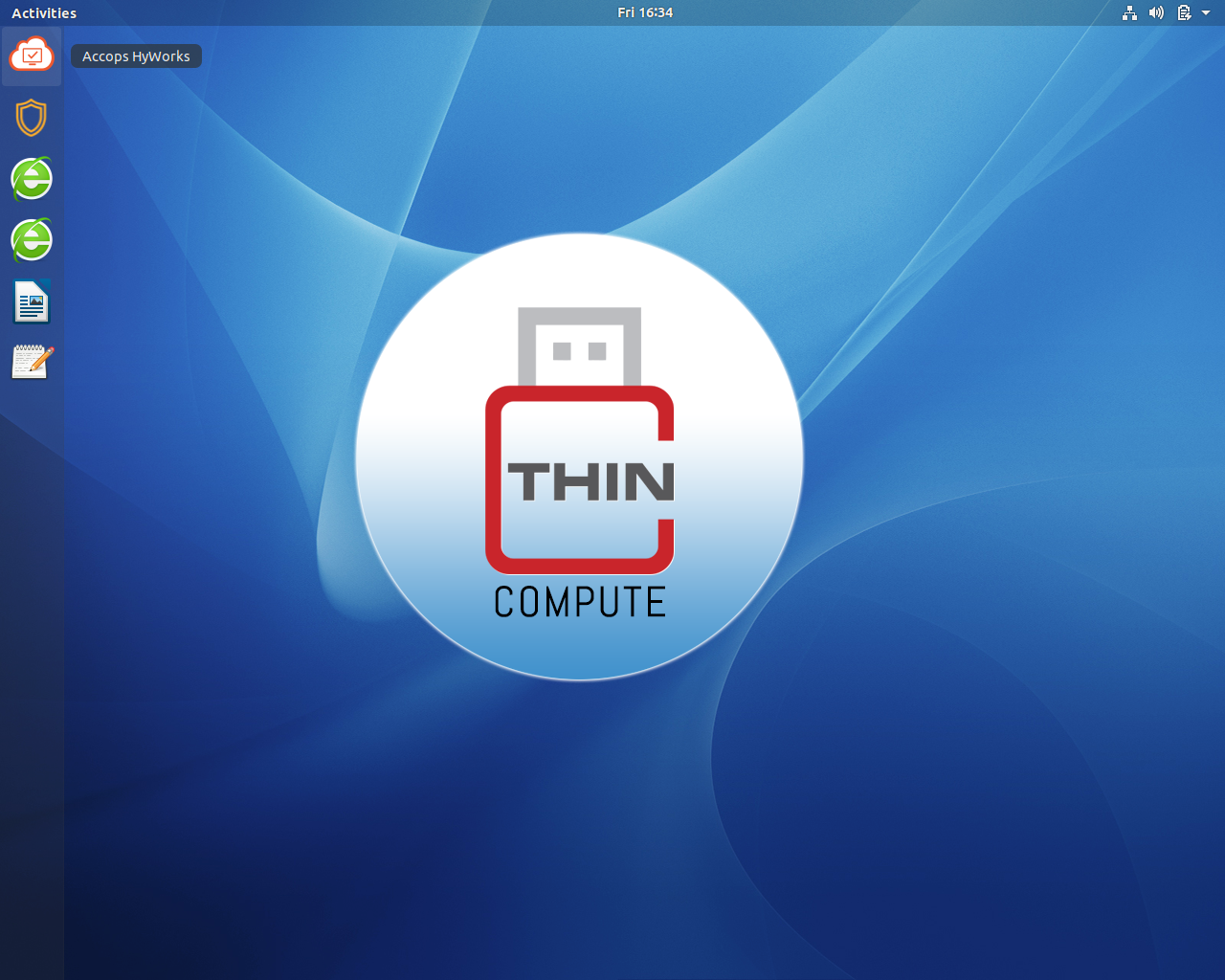
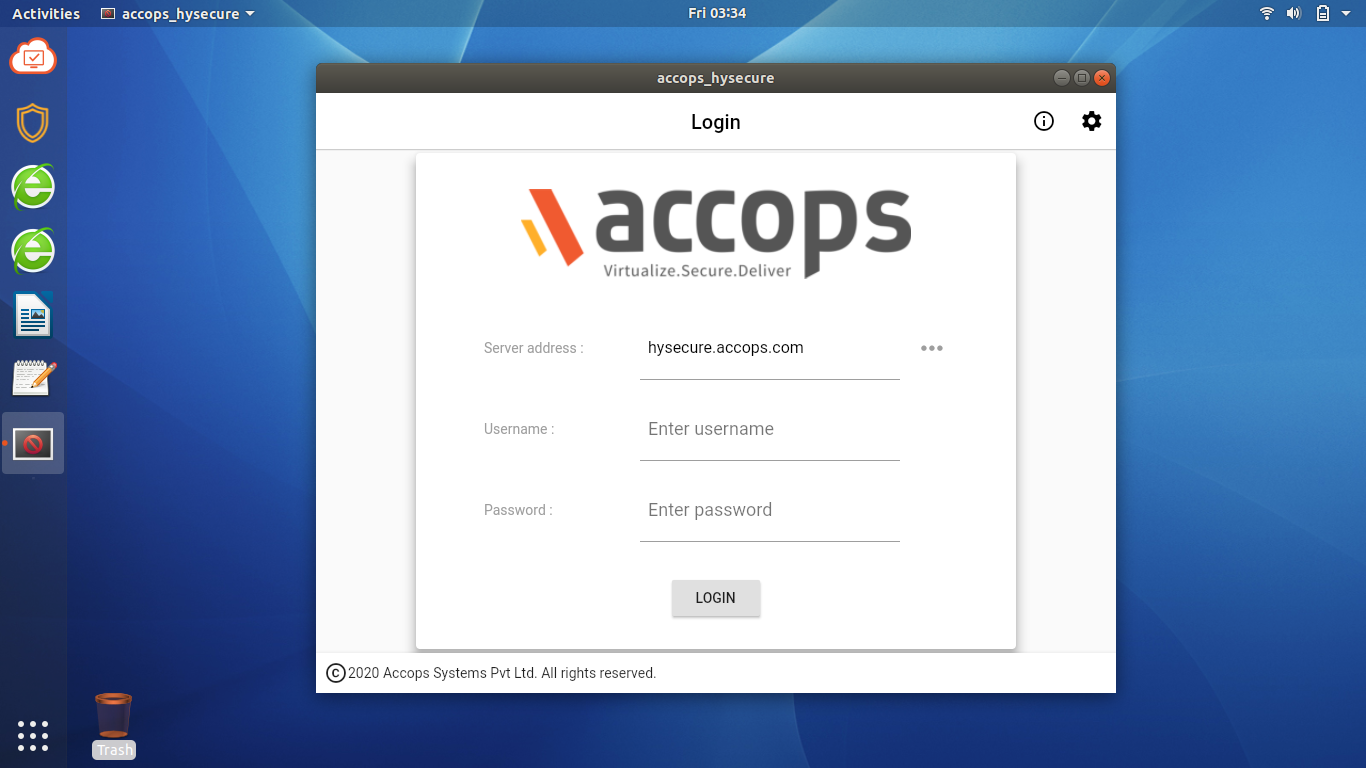
The task bar is equipped with AccopsHySecure, AccopsHyWorks and two browsers that can only access Axis bank and Accops Virtual Work Space.
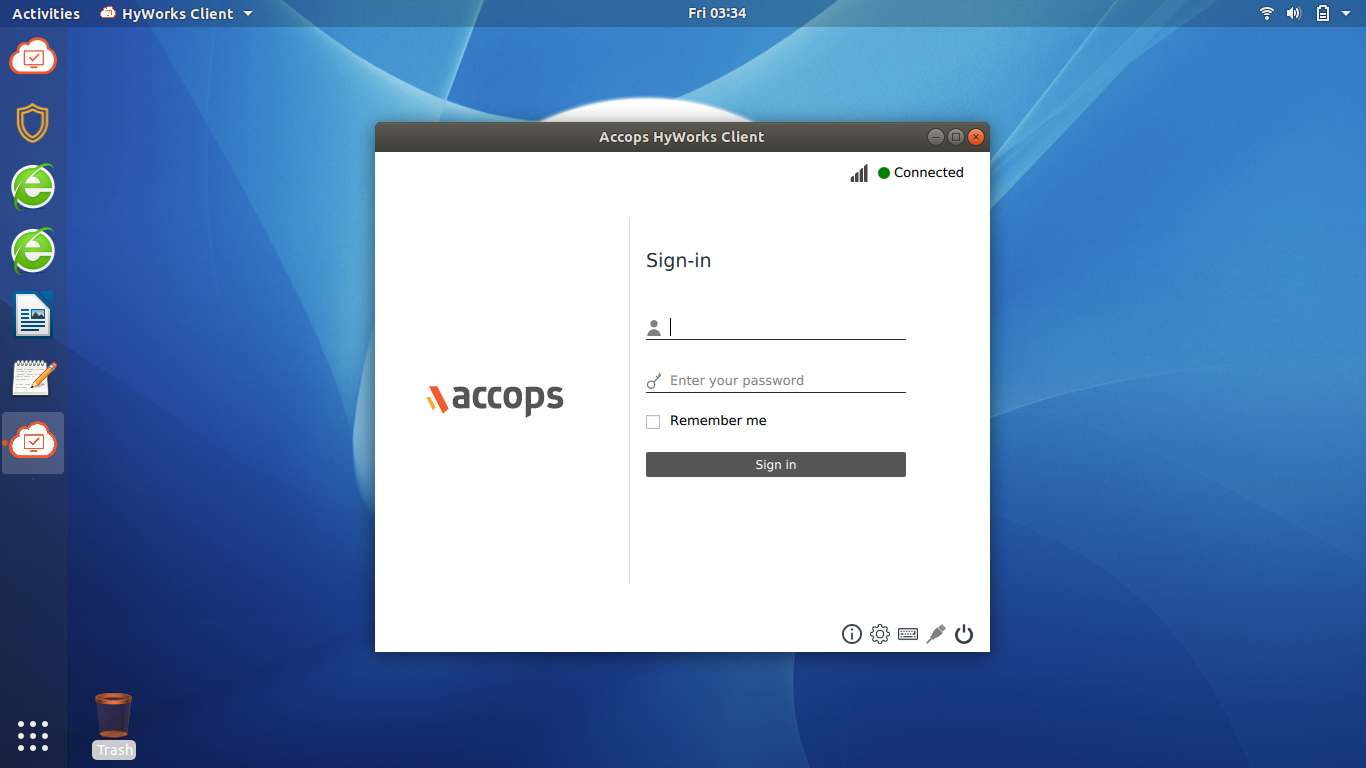
- To Access AccopsHyWorks application, click on
 icon and sign in to the application using the credentials provided by the organization.
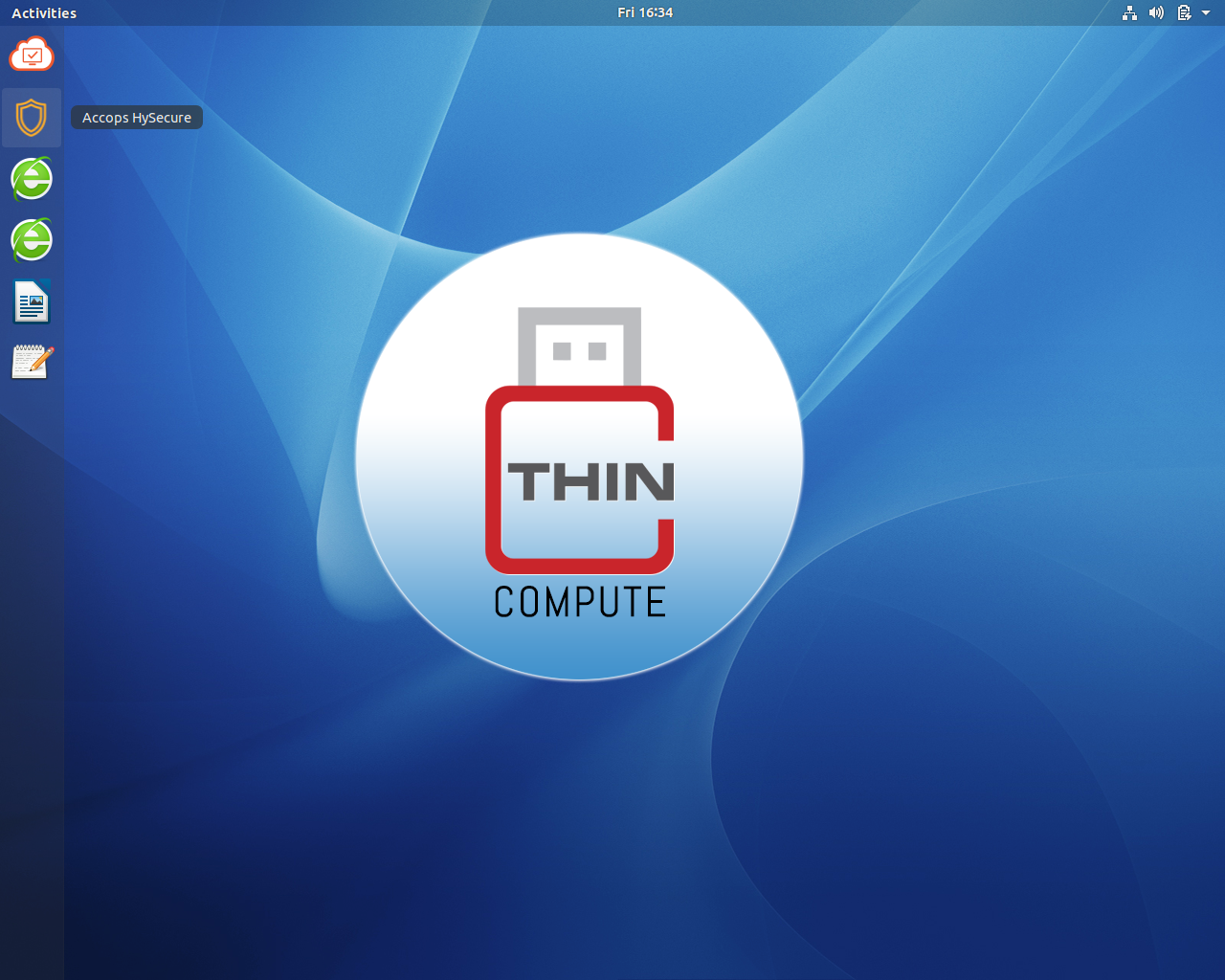
- To Access AccopsHySecure application, click on
 icon and sign in to the application using the credentials provided by the organization.
|

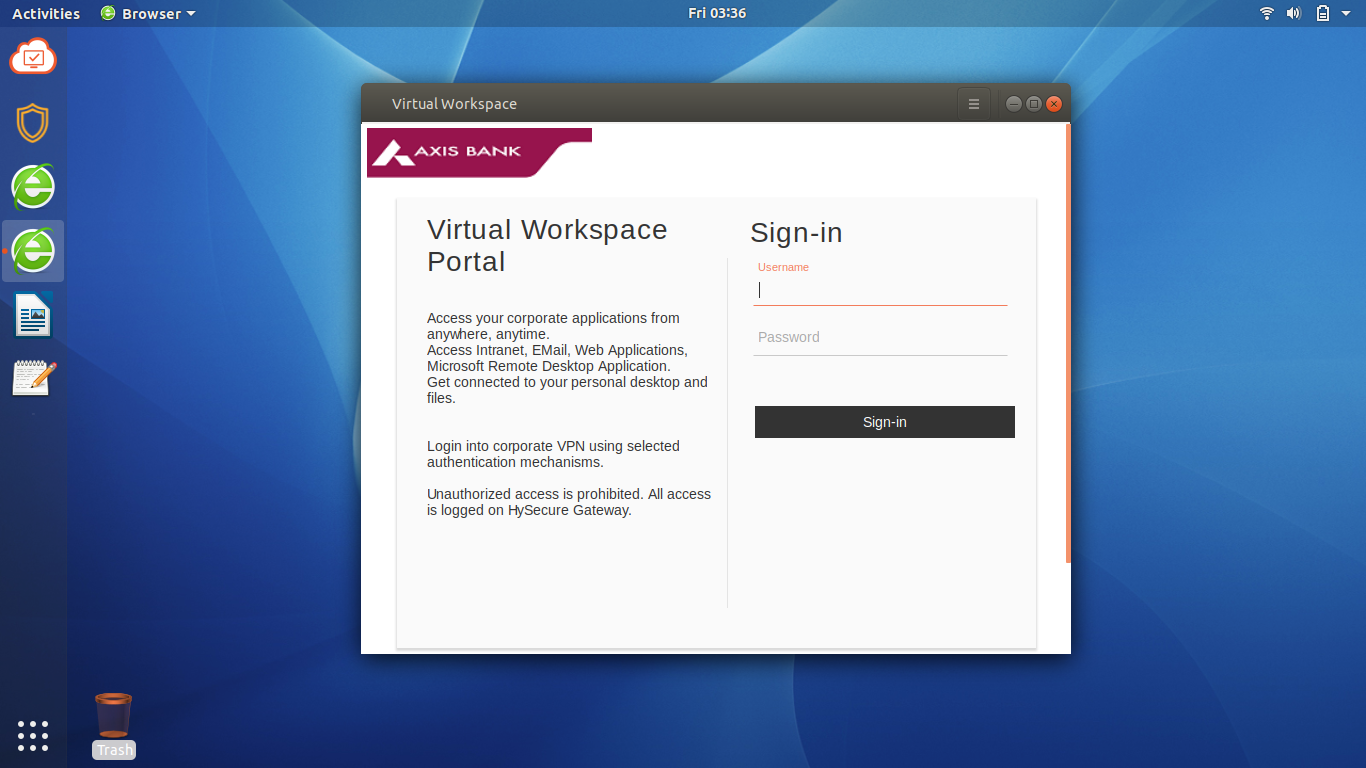
- Click on internet explorer icon to access the Axis bank or AccopsHysecure Virtual Space Portal.